Sub-Group: Transparencies
A sub-group of various transparency settings ranging from 0 to 100% in increments of 5%. This is to aid in the design and modeling processes when looking thru a part may be helpful. This approach of dragging the desired transparency is sometimes more productivity then using the "Set as Transparent" tool.
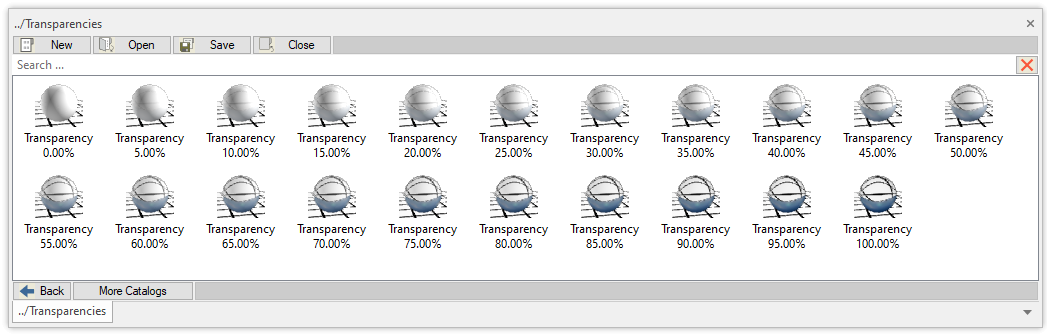
You simply drag the desired transparency on to a part/assembly in your scene and only the transparency will change while maintaining the color the part.
The postfix indicates the percentage of transparency set.
Created with the Personal Edition of HelpNDoc: Maximize Your Documentation Output with HelpNDoc's Advanced Project Analyzer