|
|
|
|
- IRONCAD Tip: Exporting all Scene Textures and Decals
- Automatic linking with 'Link On Drop' - IronCAD.
- Meet Your New CAD Design Assistant: IronCAD’s AI Chatbot.
- FREE Model: Skyline 2013 Model 188B Camper
- 3DFindit New Features
- IronCAD 2025 Certification
- Switch between the “Scene” tab and the “Properties” tab
- Raise3D RMS220: Now Includes A Built-in Nitrogen Generator.
- ideaMaker 5.3.0 Beta: Emboss or Engrave Your Model.
|
|
|
|
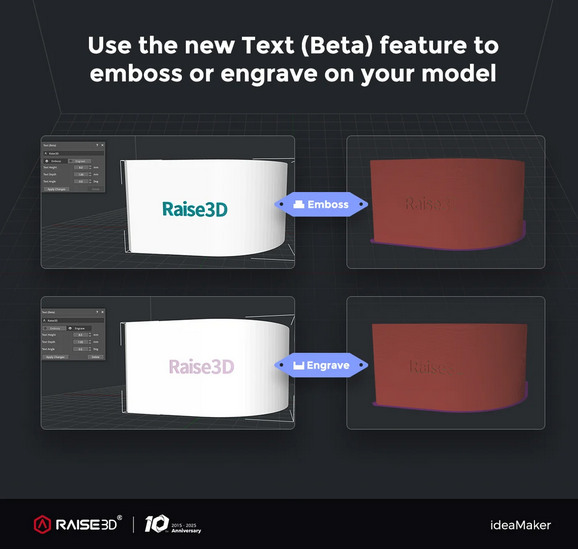
ideaMaker 5.3.0 Beta: Emboss or Engrave Your Model
|
We are excited to announce the release of ideaMaker 5.3.0 Beta, packed with powerful new features to take your 3D printing to the next level. This update introduces the Text Function, allowing you to emboss or engrave your models, along with Color Painting and Interlocking capabilities for more advanced designs.
Additionally, optimized slicing templates for the Pro3 HS Series, RMF500, and DF2/DF2+ ensures improved print quality, faster speeds, and better material compatibility.
|
|
|
|
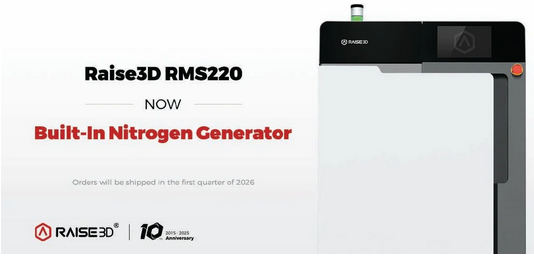
Raise3D RMS220: Now Includes A Built-in Nitrogen Generator
|
We are excited to announce the Raise3D RMS220,
now equipped with a built-in nitrogen generator to provide a controlled
SLS print environment, delivering consistent results and parts with
enhanced mechanical properties. With a 17L build volume, swappable Build
Units, and the ability to produce up to 5 kg of parts per day at 2.2
L/h, the RMS220 is designed for nonstop productivity, all within a
compact 0.58 m² footprint.
Mass production units begin shipping in Q1 2026. Discover a powerful, efficient solution to scale your production now!
|
|
|
|
Switch between the “Scene” tab and the “Properties” tab
|
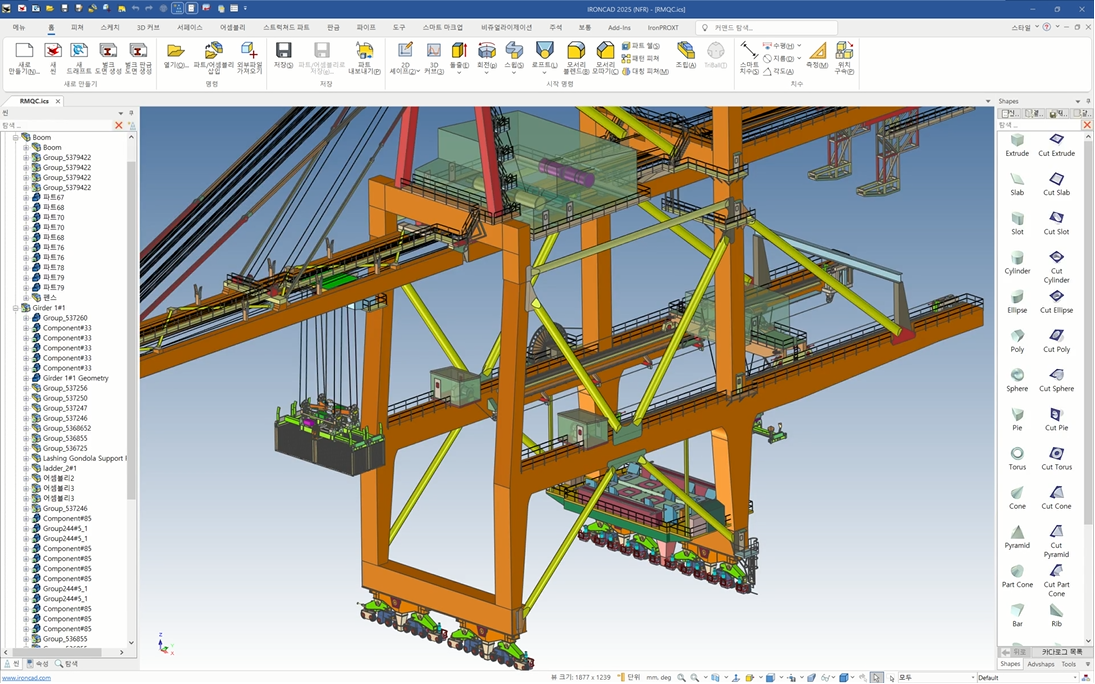
I created a simple program that allows switching between IronCAD's “Scene” tab and “Properties” tab.
Download the uploaded zip file and double-click it to use without any additional programs.
Pressing “Ctrl+`” applies the changes, enabling IronCAD use on multi-monitor setups.
The version I developed back in 2023 couldn't be used on multi-monitors with different resolutions, but now it automatically detects resolutions, solving that issue.
During design work, switching between the “Scene” Tab and “Properties” is extremely frequent. Solving this problem has made things much more convenient.
This program does not work while the Favorites catalog is displayed on the screen.
|
|
|
|
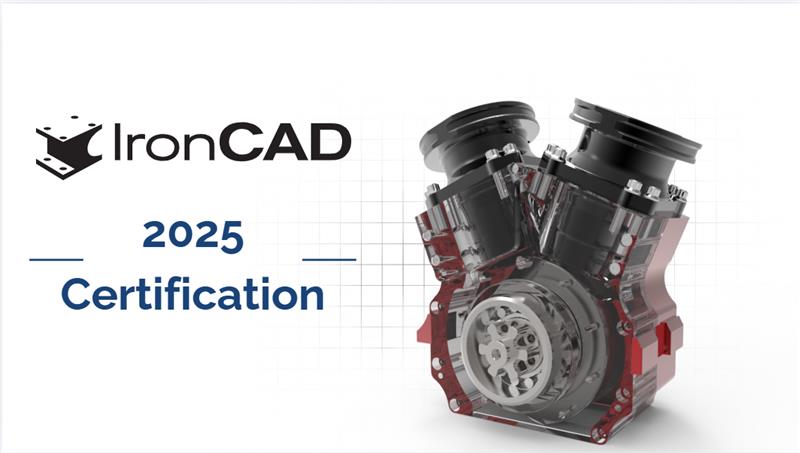
IronCAD 2025 Certification
|
Want to show off your IronCAD skills? We’ve got just the thing with the new IronCAD 2025 certification that is now live. This certification covers IronCAD 2025 (now including Product Update 1) and will test you on everything from Quick Bends and Feature Patterns to 2D Sketch Improvements. Brush up on your skills, and take the test today!
|
|
|
|
New functions for the start of summer! The highlights: Improvements to the user interface and the further development of AI functions.
Remember "3DFindit" is located in the Add-Ins tab in the IronCAD UI. You can also find it in the Mag-Libs "M-TOOLS" catalog in "Utilities" sub-group.
|
|
|
|
IRONCAD Tip: Exporting all Scene Textures and Decals
|
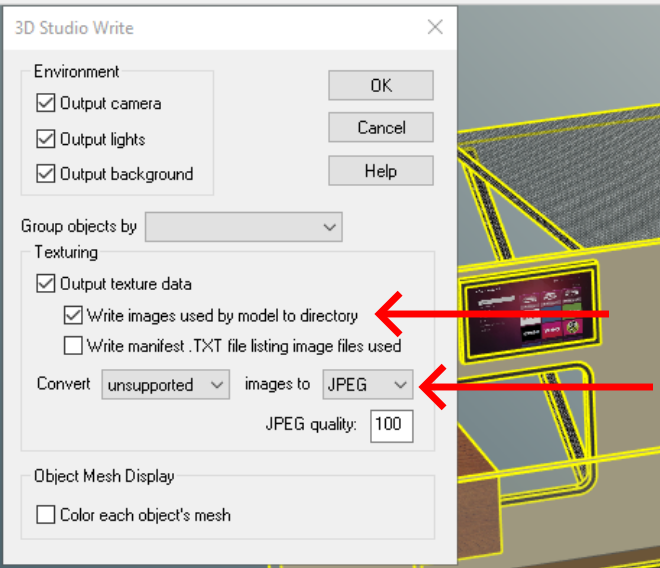
Ever find yourself needing to know all the textures and decals used in your scene? Heres a quick way to export all of them into a new clean folder. Simply select all your models in the scene using Ctrl+A (all) then export to the .3ds file format. This format allows you to export all the image data as well. Also any unsupported image data you can set to JPEG.
This is a quick way to gather the image data used in your scene and save to neat an organized folder.
|
|
|
|
Meet Your New CAD Design Assistant: IronCAD’s AI Chatbot |
Picture this: it’s midnight and your big sales pitch is in eight and a half hours. Your design is basically done, except for the last-minute bend your boss asked you to add. It’s small, but it’s vital to selling your design. There’s only one problem: you’ve blanked on where to find the bend feature. Well, as always, IronCAD has a solution…
Whether you’re sketching your next modular layout or navigating the nuances of metal fabrication, quick access to answers can make all the difference. That’s why IronCAD is proud to introduce one of its latest innovations: IronCAD’s AI Chatbot (IC Chatbot), an AI-powered assistant.
|
|
|
|
Automatic linking with 'Link On Drop' - IronCAD |
With 'Link On Drop', you can automatically link items together during posting. Instead of manually adding links later, you link items immediately as soon as you drag them out of the catalogue. This saves time, ensures consistency and keeps your design uncluttered.
Automatic linking is ideal for repeating elements or when working on variants of the same item. The relationships between them are preserved, which not only speeds up modelling, but also ensures a correct parts list (BOM) and easier adjustments at a later stage.
|
|
|
|
|
|